
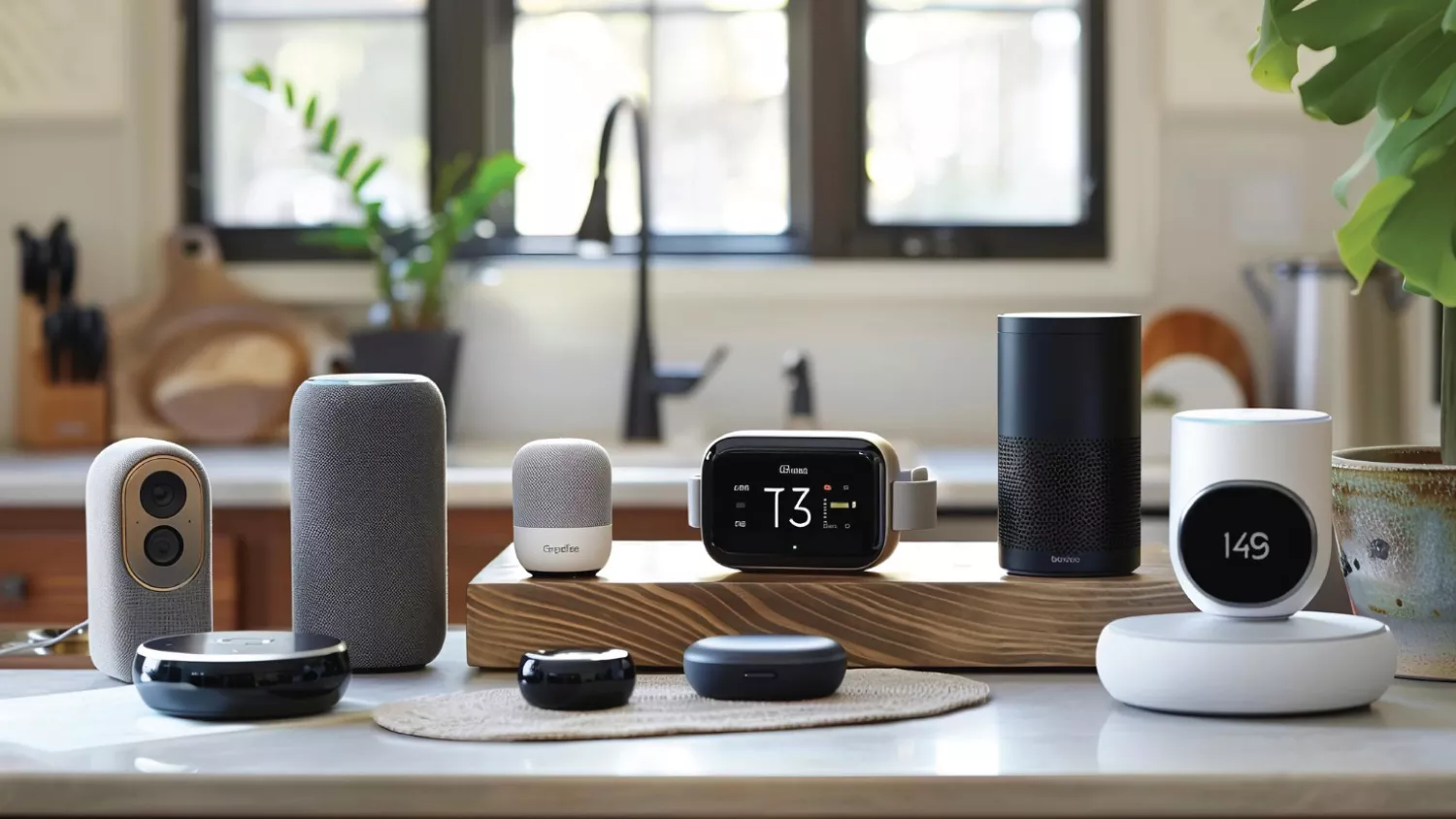
Why Smart Home Gadgets Matter
Smart home gadgets remove friction from daily life. They save time (no more manually adjusting thermostats), add security (instant alerts and remote feeds), and lower bills (energy-aware lighting and climate control). Beyond convenience, well-chosen smart devices create a cohesive home experience: you talk to your voice assistant to start music, dim the lights, and set a bedtime routine – all with one command.
How to Choose Smart Home Devices (Quick Buying Checklist)
Before diving into purchases, keep this checklist handy:
- Compatibility: Works with your ecosystem (Alexa, Google, HomeKit, or universal hubs).
- Connectivity: Wi-Fi vs Zigbee/Z-Wave – pick what your hub supports.
- Privacy & Security: Regular firmware updates and good vendor reputation.
- Ease of Use: Simple setup, clear app, and reliable automation rules.
- Expandability: Can the device be grouped or linked to other gadgets?
- Energy Efficiency: Look for energy monitoring where available.
- Budget vs Longevity: Cheaper gadgets can save initially but may lack updates.
Top Smart Home Gadgets That Make Life Easier
Smart Speakers & Voice Assistants
Smart speakers are the easiest entry point to a connected home. Use them to control lights, ask for weather, set timers, and launch multi-device routines.
Why they help: Hands-free convenience – great when cooking, cleaning, or carrying things.
What to look for: Microphone quality, speaker fidelity (if you use it for music), and assistant compatibility.
Smart Hubs & Home Controllers
A hub centralizes devices that use Zigbee, Z-Wave, or Thread and helps reduce fragmented apps. If you want a resilient, offline-capable home system, a hub is key.
Why they help: One place to manage automations and keep local control options.
What to look for: Local processing, multi-protocol support, and open integrations.
Smart Lighting (Bulbs, Switches & Strips)
From smart bulbs to smart switches and LED strips, lighting is a high-impact upgrade. Automate schedules, brightness, and scenes for different activities.
Why they help: Energy savings and mood control – set “work,” “relax,” or “movie” scenes instantly.
What to look for: Dimmability, color temperature range, and whether the bulb needs a hub.
Smart Thermostats
Smart thermostats learn your schedule and optimize heating/cooling to reduce energy bills while keeping you comfortable.
Why they help: Better comfort with lower utility bills. Many offer remote control and energy reports.
What to look for: Compatibility with HVAC system, learning algorithms, and geofencing capabilities.
Smart Security Cameras & Doorbells
Video doorbells and indoor/outdoor cameras provide live views, motion alerts, and two-way audio.
Why they help: Real-time awareness and evidence capture for incidents. They give peace of mind when you’re away.
What to look for: Night vision, local storage options, and reliable motion detection that minimizes false alerts.
Smart Locks & Access Control
Smart locks let you secure doors, create time-limited codes for guests, and check lock status remotely.
Why they help: No more hiding keys; grant temporary access for cleaners, dog walkers, or guests.
What to look for: Battery life, manual key backup, and strong encryption.
Robot Vacuums & Floor Care
Robot vacuums (and mops) automate routine cleaning. Advanced models map your home, avoid obstacles, and integrate with schedules.
Why they help: Keep floors tidy with minimal effort – ideal for busy households.
What to look for: Mapping accuracy, suction power, and mop function (if needed).
Smart Plugs & Power Strips
Smart plugs are the simplest automation tool-make any device remotely controllable and schedulable.
Why they help: Turn conventional devices smart without replacing them (lamps, fans, coffee makers).
What to look for: Energy monitoring, overload protection, and size (so plugs don’t block outlets).
Kitchen Smart Appliances
From smart scales and Wi-Fi ovens to connected coffee machines, kitchen gadgets save time and enable remote control.
Why they help: Preheat ovens while you prep, start coffee from bed, or get alerts when food is ready.
What to look for: Interoperability with assistants and practical automations (timers, preset recipes).
Smart Blinds & Window Treatments
Automated blinds can open on sunrise and close when temperatures spike, saving energy and adding privacy.
Why they help: Automated natural light control for comfort and energy savings.
What to look for: Motor noise, battery life (if cordless), and compatibility with schedules or sensors.
Integrations & Automation Ideas (Real-life Routines)
Automations bring value – here are simple, high-impact routines:
- Morning Routine: Gradually raise bedroom lights, start the coffee machine, and read the day’s calendar aloud.
- Away Mode: Lock doors, arm cameras, turn off lights, and lower thermostats when you leave.
- Movie Night: Dim lights, close blinds, and set thermostat to cozy temp with a single command.
- Energy Saver: Turn off unused outlets via smart plugs and set lights to auto-off after inactivity.
These automations are powered by routines in your hub or voice assistant and can often be triggered by location (geofencing), time, or sensor events.
The Future: Ever-Evolving Gadgets & Accessories
Smart home tech moves fast. Today’s accessories – mesh Wi-Fi extenders, battery-saving sensors, modular smart buttons, and privacy-first cameras – are getting smarter and more interoperable. A few trends to watch:
- Local-first processing: Devices that run automations on the local network for speed and privacy.
- Matter standard: Wider device compatibility across platforms, simplifying ecosystem choices.
- Smarter sensors: Smaller, longer-lasting sensors that combine motion, temperature, and sound analysis.
- Accessory ecosystems: Modular add-ons (magnetic mounts, battery packs, and solar chargers) make devices flexible and durable.
- AI-enhanced experiences: Smarter voice assistants and on-device AI that understand routines and suggest helpful automations.
Highlighting the ever-evolving nature of gadgets and accessories is important – what’s cutting-edge today often receives feature upgrades, firmware improvements, or compatible accessories that extend its usefulness. Keep an eye on firmware updates and community forums to squeeze more life out of your devices.
Conclusion
Smart home upgrades don’t have to be overwhelming. Start with one or two high-value gadgets (a smart speaker plus smart plugs, or a thermostat and a camera), test automations, and expand as you identify real benefits. Focus on devices that improve routines, save energy, and respect privacy.
Smart homes are about making life easier – more time for work, family, and hobbies, with fewer small chores demanding attention. If you’re building your connected home, consider this guide a roadmap: practical categories, buying tips, and inspiration for automation.
For ongoing reviews, how-to guides, and the latest on rapidly changing smart home accessories, check back with Gadget Radar Pro – your companion for honest gadget advice and hands-on tips.
FAQs
Are smart home devices hard to set up?
Most smart home gadgets are designed for easy setup: download the vendor app, power the device, and follow guided steps. Using a central hub or sticking to a single voice assistant ecosystem reduces friction.
Will smart gadgets work if my Wi-Fi goes down?
It depends. Many devices require cloud access for advanced features, but local-capable hubs and devices can continue basic functions. Look for devices that advertise local control and offline routines.
Are smart devices secure and private?
Security varies by brand. Choose vendors that offer regular firmware updates, two-factor authentication, encrypted communication, and clear privacy policies. Avoid default passwords and change network settings when possible.
How much will smart tech save on energy bills?
Savings depend on device types and behavior. Smart thermostats, lighting schedules, and automated plugs can produce noticeable savings by eliminating wasteful usage and optimizing HVAC cycles.
Do I need a smart hub or just a voice assistant?
A voice assistant (like a smart speaker) is excellent for voice control, but a dedicated hub offers broader protocol support (Zigbee, Z-Wave, Thread) and often more reliable local automations. Choose based on device mix and privacy needs.
Can I mix brands and still have everything work together?
Yes – especially with standards like Matter emerging. Prioritize devices supporting popular ecosystems and verify compatibility before purchase.


