
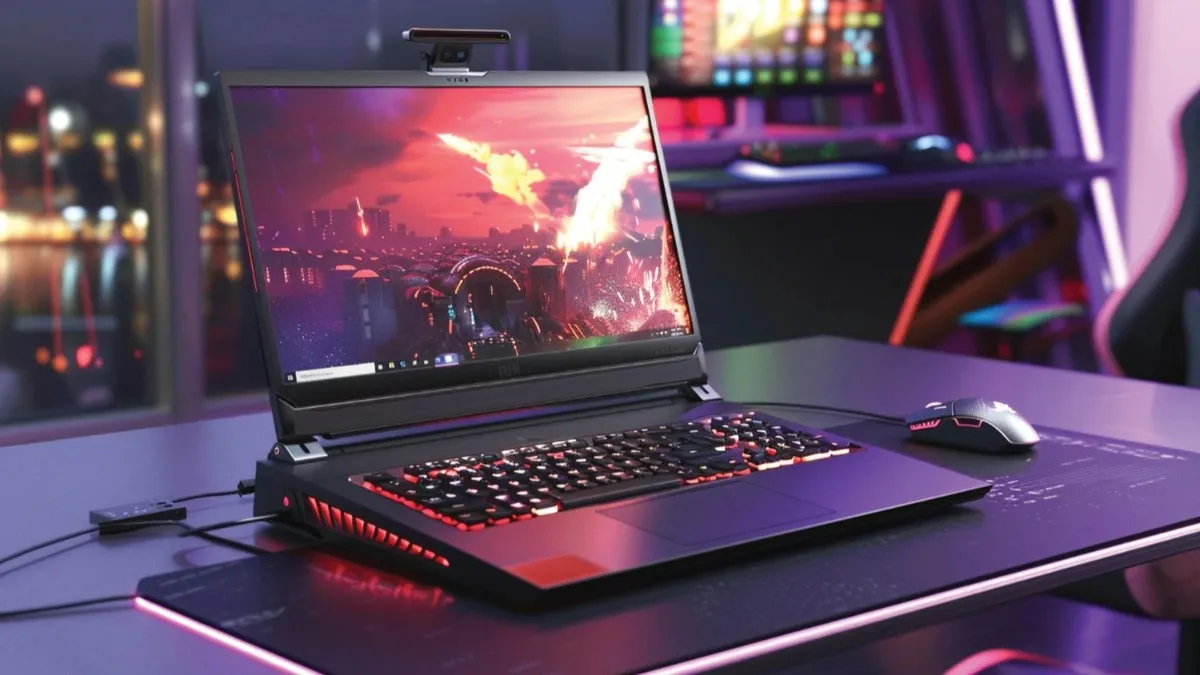
who each laptop is for
- Gaming laptop: Gamers, creative pros who rely on powerful discrete GPUs, video editors, and anyone who needs sustained high performance. Expect heavier chassis, shorter battery life, and higher price at top tiers.
- Ultrabook: Mobile professionals, students, frequent travellers, and everyday users who favour thin-and-light design, long battery life, and instant responsiveness (often Intel Evo certified). Not built for demanding gaming at high frame rates.
What is an ultrabook? (and why the label matters)
“Ultrabook” historically referred to premium thin-and-light Windows laptops. Today, the spirit of the ultrabook is captured by platform badges like Intel Evo, which guarantee fast wake, long battery life, good connectivity, and a compact chassis. If you value portability and battery life above raw graphical performance, an ultrabook is built for your lifestyle.
Key ultrabook traits
- Slim, lightweight chassis
- Long battery life (real-world efficiency)
- Fast wake/resume and snappy everyday performance
- Higher price-per-performance for raw GPU power (because they prioritize efficiency and build quality)
What defines a gaming laptop?
Gaming laptops prioritize thermal headroom and discrete GPUs (NVIDIA/AMD) that can run modern titles at desired frame rates. Manufacturers also tune displays (high refresh rates), keyboard feel (RGB, travel), and expandability (RAM/SSD) for gamers. These machines often sacrifice battery life and portability for performance. Recent 2025/2026 models push the envelope further – heavier GPUs, higher TDPs, and even experimental hardware like rollable screens in concept devices – underscoring how quickly the segment evolves.
Key gaming laptop traits
- Discrete GPU (NVIDIA RTX / AMD Radeon) and powerful CPUs
- Advanced cooling: multiple fans, vapor chambers
- High-refresh displays (120Hz–240Hz+), sometimes with variable refresh tech
- Shorter battery life under load; heavier designs
Head-to-head comparison
Performance
- Gaming laptop: Superior for sustained gaming, ray-tracing, GPU-accelerated workloads (3D, ML inference, rendering). If you plan to play AAA titles at high settings or use GPU-accelerated apps, this is the winning class.
- Ultrabook: Great for office apps, web, light photo/video edits, and casual games. Integrated or low-power discrete GPUs exist but won’t match full-size gaming GPUs.
Display & Input
- Gaming: High refresh rate panels (120–240Hz) with large color gamuts for immersive play. Keys and trackpads may be good, but chassis weight increases.
- Ultrabook: Sharper, color-accurate panels (especially OLED options), excellent trackpads, and keyboards tuned for typing and productivity.
Battery Life
- Ultrabook: Typically far better – Intel Evo and similar devices target long real-world battery life and fast charging.
- Gaming: Often 3–6 hours for light use; heavy gaming reduces that drastically.
Thermals & Noise
- Gaming: Powerful cooling but louder under load.
- Ultrabook: Cooler and quieter overall, but thermal throttling can occur if pushed hard.
Portability & Build
- Ultrabook: Thin, light, premium materials – good for daily carry.
- Gaming: Heavier; many are still portable enough to carry but not for constant travel.
Upgradability & Repairability
- Gaming: Better upgrade paths (RAM, storage) in many models.
- Ultrabook: Soldered RAM/SSD common; limited upgrades.
Price
- Gaming: Wide range – budget gaming laptops exist, but high-end models can be very expensive.
- Ultrabook: Premium pricing for thin-and-light design, though mid-range options exist.
Real-world scenarios: which to pick
- If you’re a competitive gamer (120+ FPS) or content creator using GPU renderers: Go gaming laptop. Look for RTX-class GPUs, good cooling, and fast displays.
- If you travel daily, attend classes, or work remote: Ultrabook – battery, lightweight, and discretion matter.
- If you want one laptop for everything: Consider a thin-and-light gaming or gaming ultrabook (slim gaming lines): compromises exist that balance power and portability; research reviews carefully.
- If budget is tight: Budget gaming laptops often give the best raw performance-per-rupee; ultrabooks command a premium for portability and battery.
Buying checklist – what to prioritize
For gaming laptops
- GPU: At least NVIDIA RTX 40/50-series equivalent or AMD RX 7000/8000-equivalent for modern AAA titles.
- CPU: H-series or HX-series high-performance mobile CPUs.
- RAM: 16GB minimum; 32GB if you do heavy content work.
- Storage: 1TB NVMe preferred; look for an extra M.2 slot if you want future upgrades.
- Display: 144Hz+ for competitive play; 240Hz+ for esports.
- Cooling: Large vents, multiple heat pipes, and positive user reviews for thermal performance.
- Ports: HDMI 2.1, USB-C with DisplayPort/Thunderbolt (if needed), Ethernet if you prefer wired.
For ultrabooks
- Platform badge: Intel Evo or equivalent for consistent real-world battery/performance.
- CPU: U-series or low-power performance chips (Intel Core U or Core Ultra; AMD Ryzen U-series).
- RAM: 16GB preferred for future-proofing.
- Storage: 512GB+ NVMe for most users.
- Display: High-resolution (QHD/4K optional) and color-accurate if you do creative work.
- Battery: Look for independent review battery tests – marketing numbers are often optimistic.
Why the market keeps evolving (what to watch for in reviews)
Laptop design and component iterations are rapid: GPU generations, power efficiency improvements, and experimental designs (foldable/rollable displays, hybrid chips) appear frequently. Reviews matter because real-world thermal tuning, driver maturity, and battery performance can differ from spec sheets. Look for independent review sites that test sustained performance, thermals, and battery life – those are the most load-bearing claims when choosing between a gaming laptop and an ultrabook.
Tip: Search for long-form reviews covering sustained heavy workloads (not just short benchmarks). Lab-style testing reveals throttling and longevity concerns.
Final verdict – a quick decision flowchart
- Do you play modern, demanding games frequently? → Gaming laptop
- Do you move around all day and need all-day battery? → Ultrabook
- Need balanced power and portability (work + light gaming)? → Gaming ultrabook / thin-and-light gaming (research specific models and reviews).
If you still can’t decide, write down the one feature you can’t live without (battery life vs frame rates). The right choice usually becomes obvious.
FAQs
Can an ultrabook run modern games?
Yes – many ultrabooks can handle casual and older titles. Some thin-and-light machines include low-power discrete GPUs or fast integrated graphics that run eSports titles at medium settings, but don’t expect high ray-traced framerates. For a sustained, high-framerate gaming experience, a gaming laptop is better.
Will a gaming laptop last as long as an ultrabook?
Lifespan depends on build quality, thermal design, and how you use it. Gaming laptops may be physically robust and easier to upgrade, but heavier thermal stress can shorten component life if cooling is poor. Ultrabooks are designed for efficiency but often have soldered components limiting upgrades. Read long-term reviews and warranty terms.
Are “gaming ultrabooks” a real middle ground?
Yes – several manufacturers now offer thin-but-powerful models (sometimes called “gaming ultrabooks” or “slim gaming”). These strike a compromise: good performance in a lighter chassis, but with higher costs and thermal trade-offs. Check independent benchmarks.
What should students choose?
If gaming is casual and mobility matters (classes, libraries), an ultrabook or thin gaming laptop is ideal. If gaming is a major hobby and portability is secondary, choose a gaming laptop.
How important are cooling reviews?
Extremely. A laptop with good specs but poor cooling will throttle and underdeliver. Always check sustained-load thermals and fan noise in reviews.


